
Portrait Photography
Explore prompt concepts for LinkedIn headshots, team biographies, and environmental portraits. Compare studio lighting setups and wardrobe styles, then generate professional portraits aligned with your career or brand.
No preview
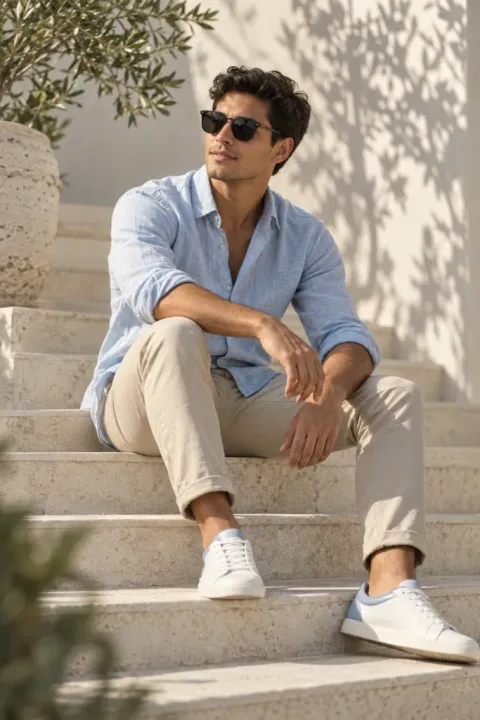
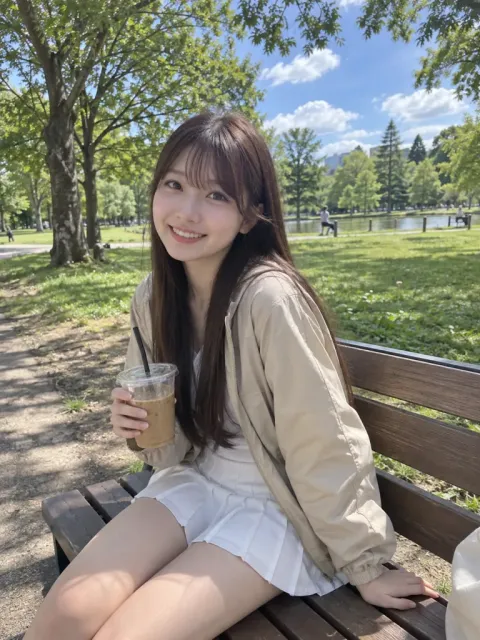
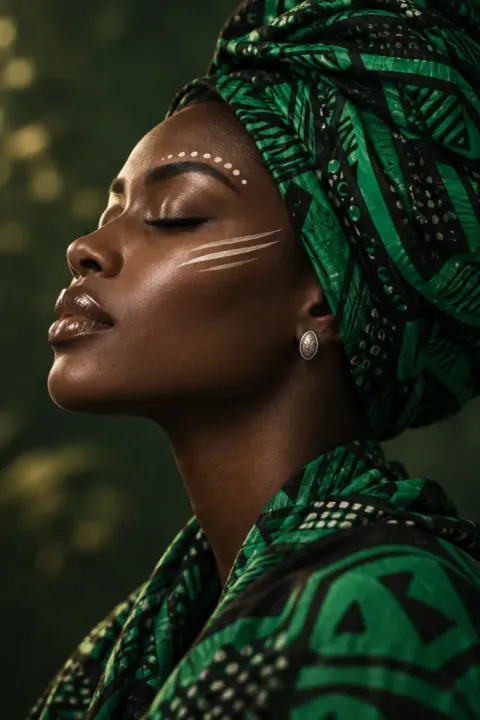
Photorealistic Portrait Photography image prompt.
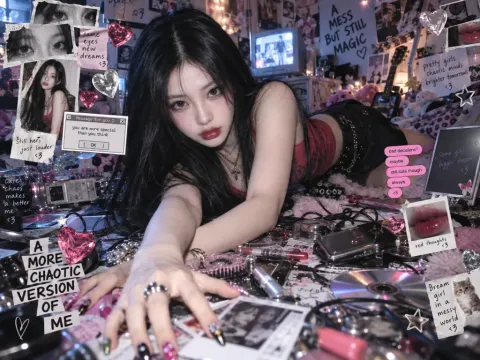

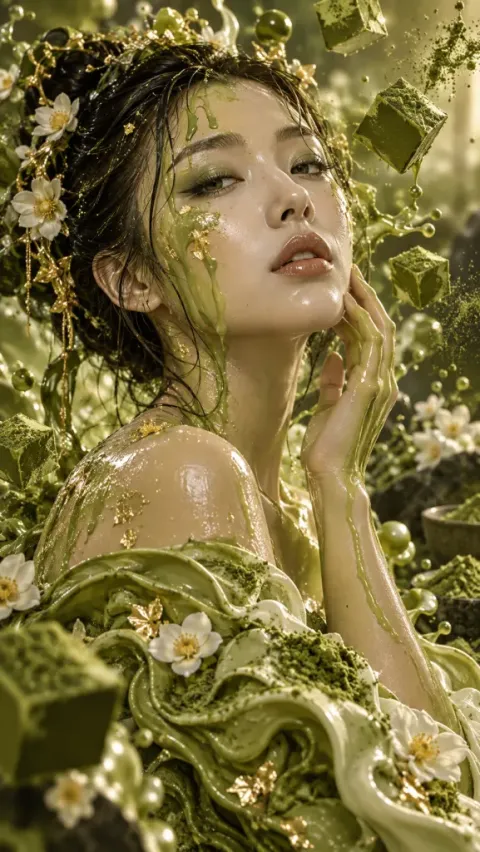
No preview
Photorealistic Portrait Photography image prompt.
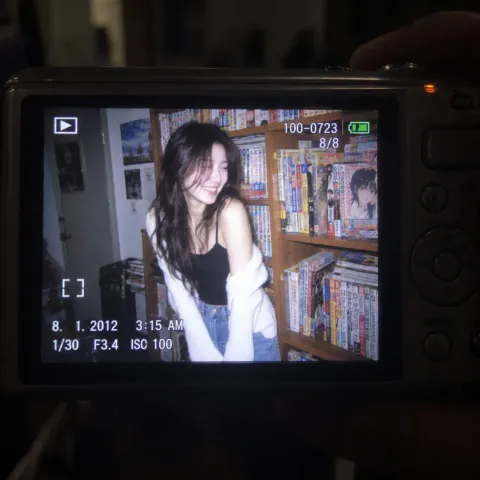

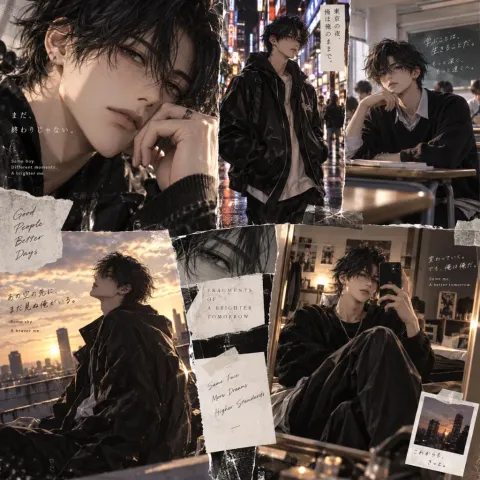
No preview
Photorealistic Portrait Photography image prompt.
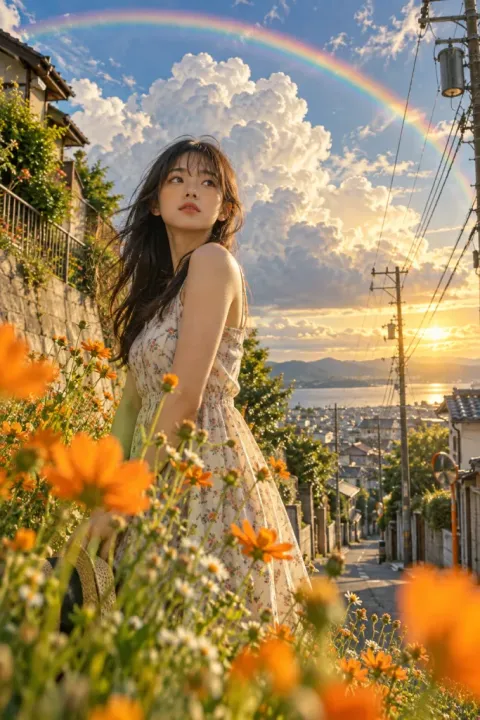
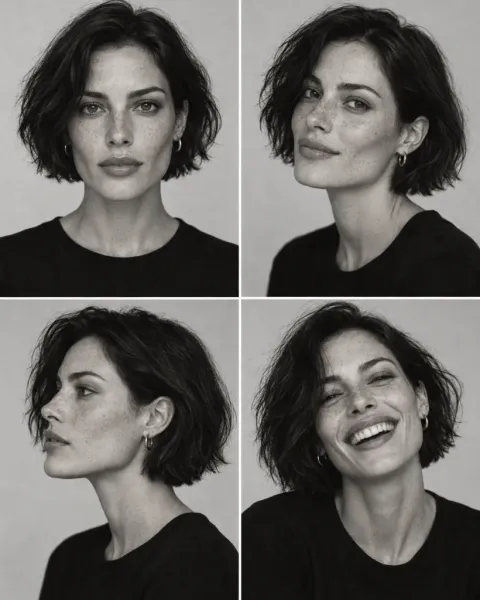
No preview
Photorealistic Portrait Photography image prompt.
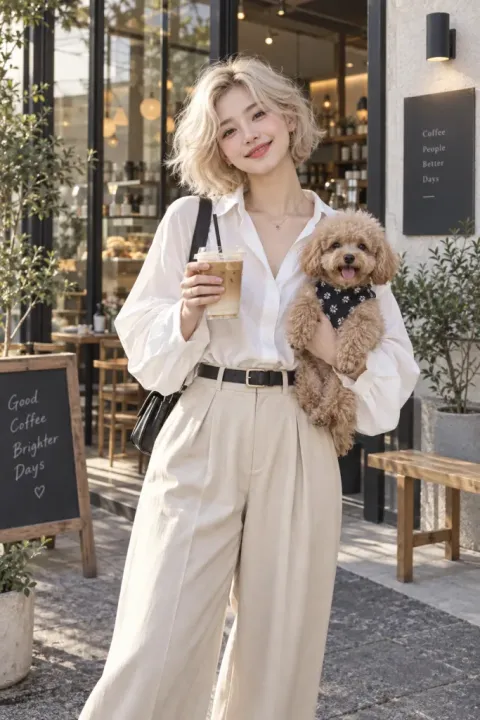
No preview
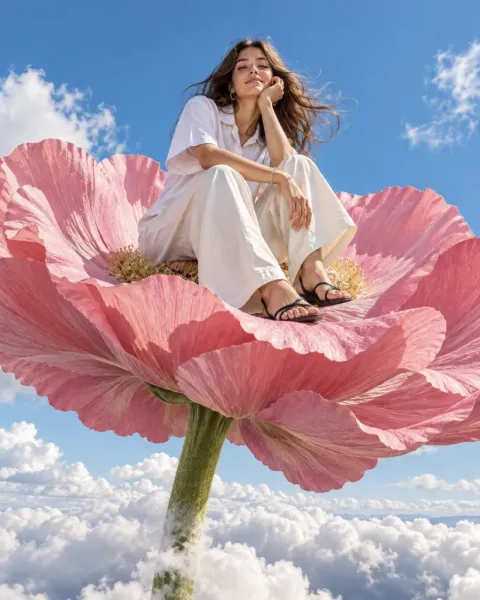
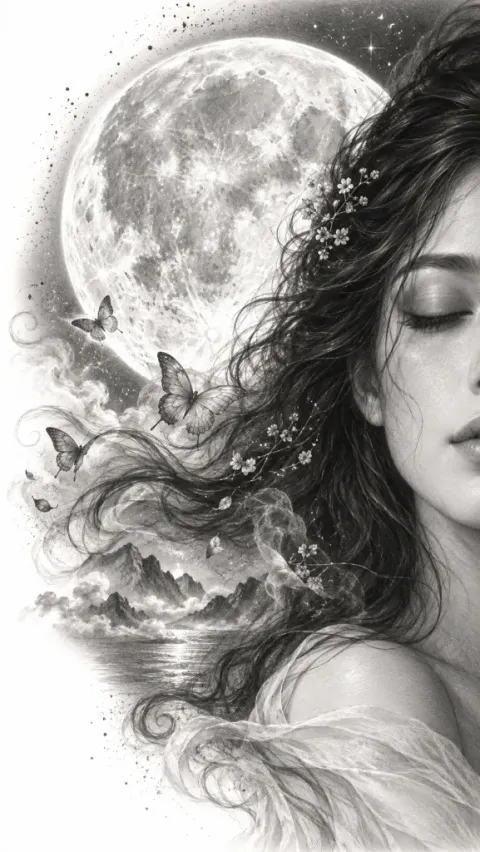
Sketch & Line Art Portrait Photography image prompt.
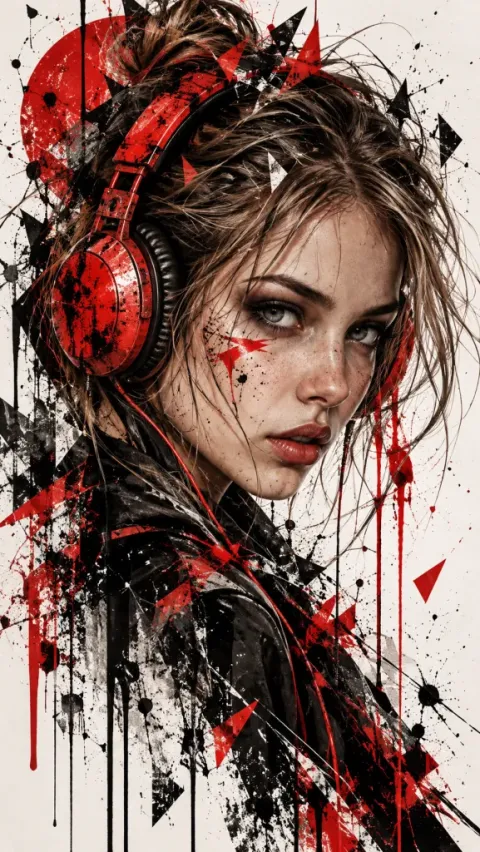
No preview
Sketch & Line Art Portrait Photography image prompt.
No preview
Photorealistic Portrait Photography image prompt.
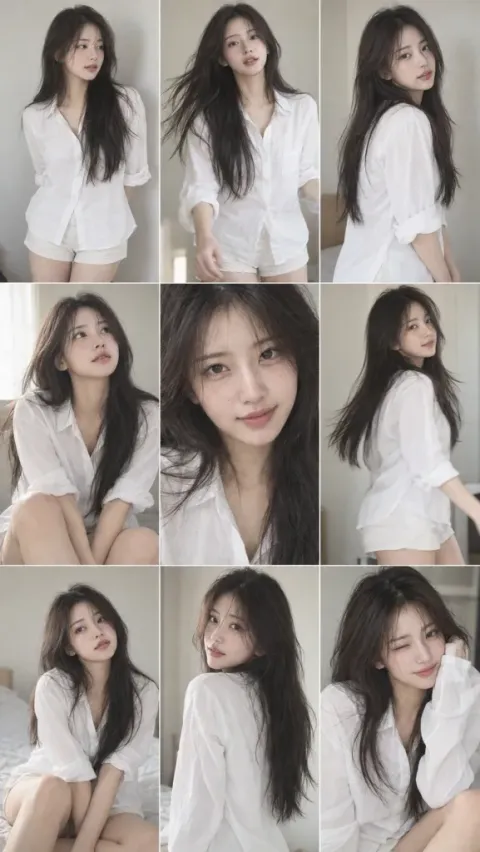
Choosing portrait photography prompts
Select a portrait direction based on where the picture will be viewed. Compact profile avatars demand head-and-shoulders framing with soft front light and uncluttered neutral backdrops. About pages and editorial features can include seated poses or softly blurred offices. For detailed pose breakdowns, review our professional headshot prompts guide. When creating images of yourself, always preserve your genuine facial features and age rather than over-smoothing skin. Remember that generated portraits cannot guarantee compliance for official government IDs.
How do reference photos work for professional portraits?
With an active Pro or Pro Plus subscription, you can upload up to 4 clear front-facing photos in the generator without credit cost. They guide facial structure and age, though the system cannot guarantee an exact identity match.
Can I use FramePond portraits for passports or government IDs?
We cannot guarantee acceptance. Official identification requires compliance with photographic criteria established by each issuing authority. FramePond generates creative portraits and cannot guarantee that an image meets government submission requirements.
What can I do for free before subscribing?
You can browse all portrait examples and summaries for free, and unlock up to 10 full prompt texts without payment. Subscribing to Pro (monthly or annual) or Pro Plus provides the credits needed to generate new portrait images each subscription month.