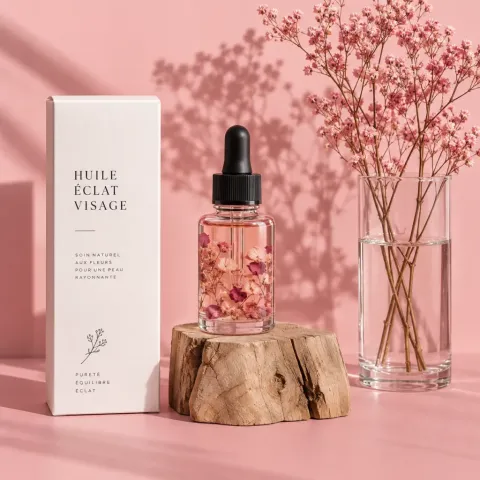
Product & E-commerce
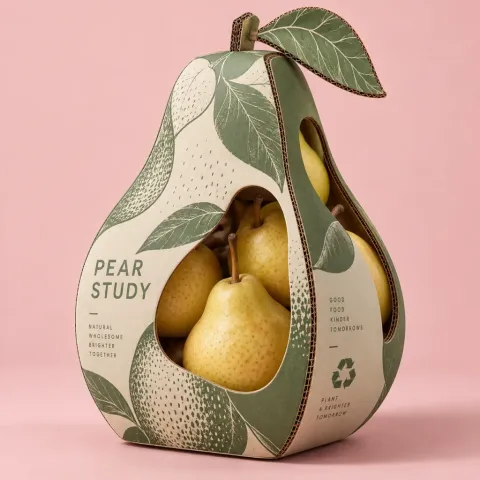
Plan clean studio product photos, packaging mockups, and banner compositions. Browse lighting setups and prop arrangements across our catalog, or create custom commercial product imagery tailored to your storefront layout.
No preview
Photorealistic Product & E-commerce image prompt.
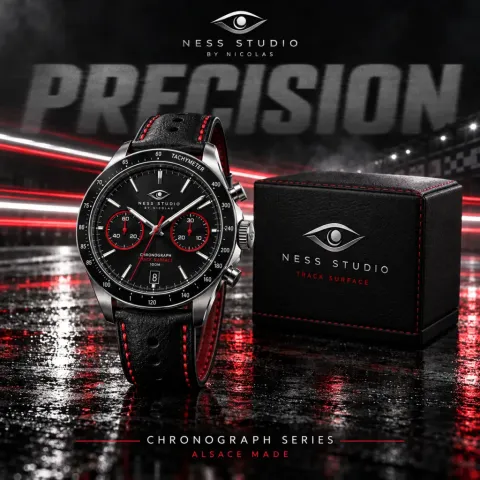

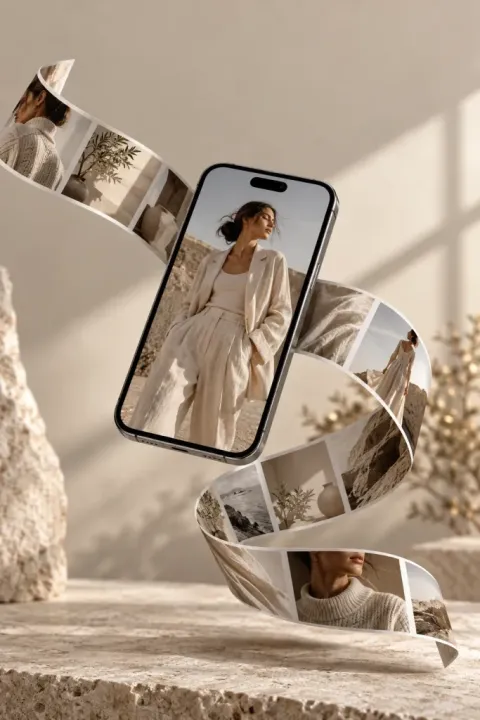
No preview
Photorealistic Product & E-commerce image prompt.
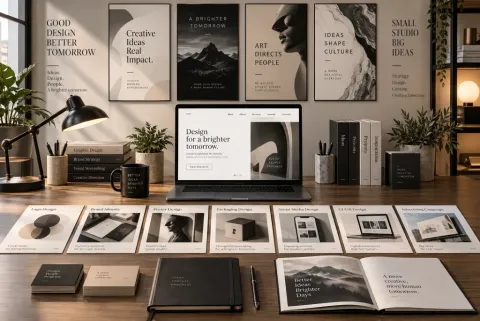
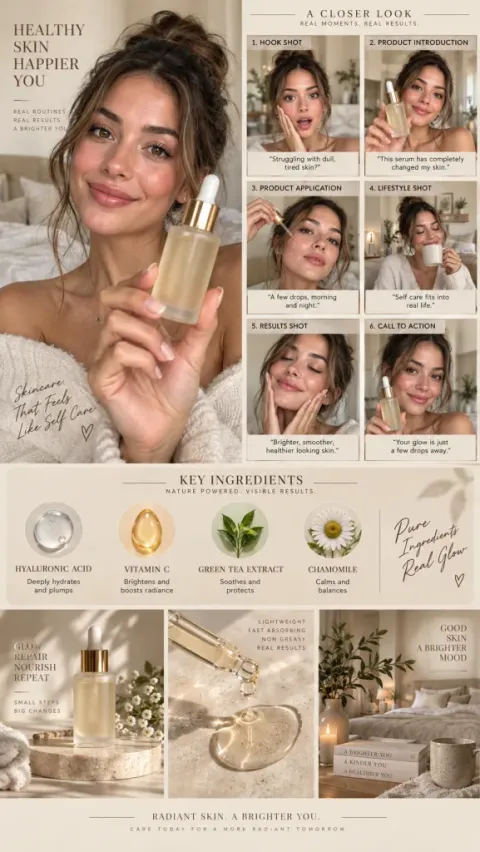
No preview
Photorealistic Product & E-commerce image prompt.
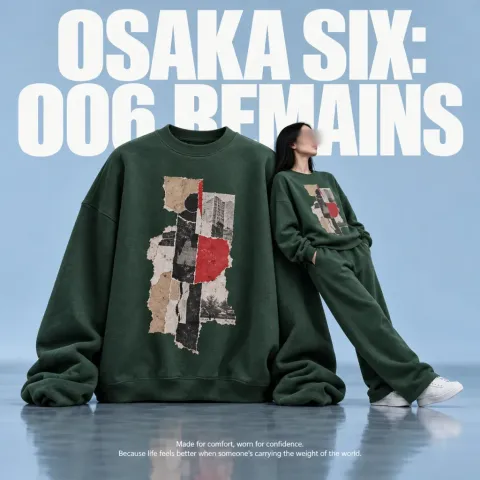
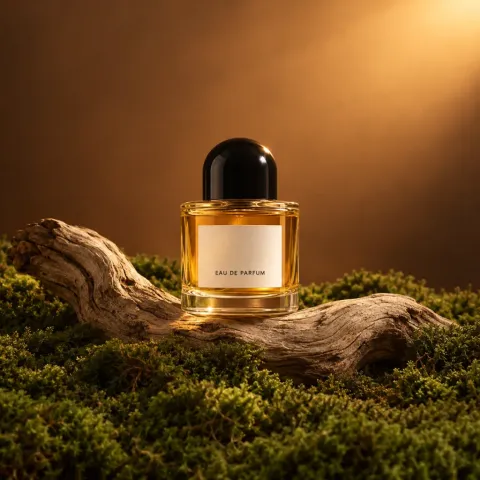
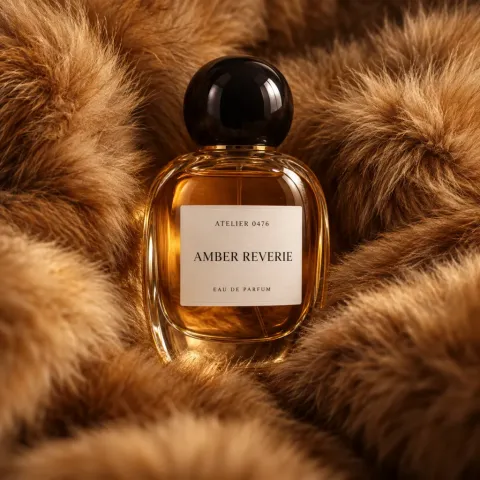
No preview
Photorealistic Product & E-commerce image prompt.
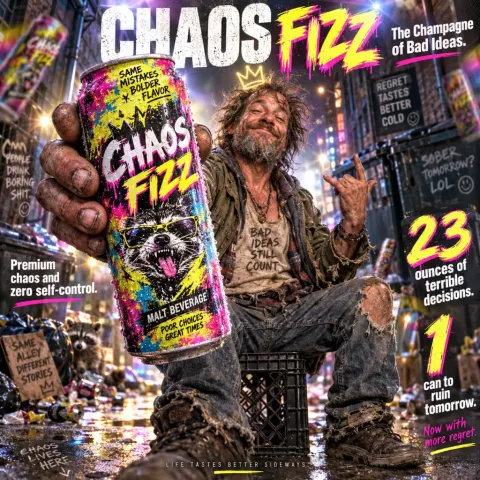
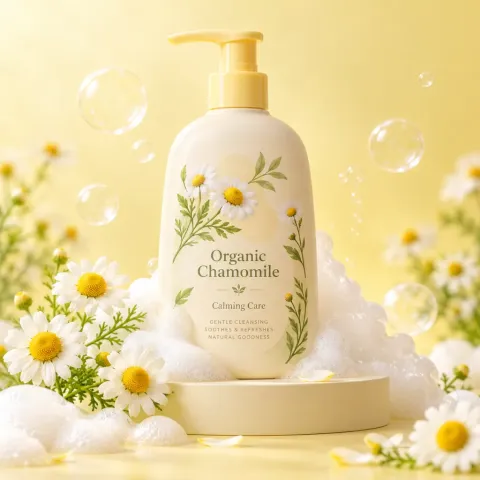
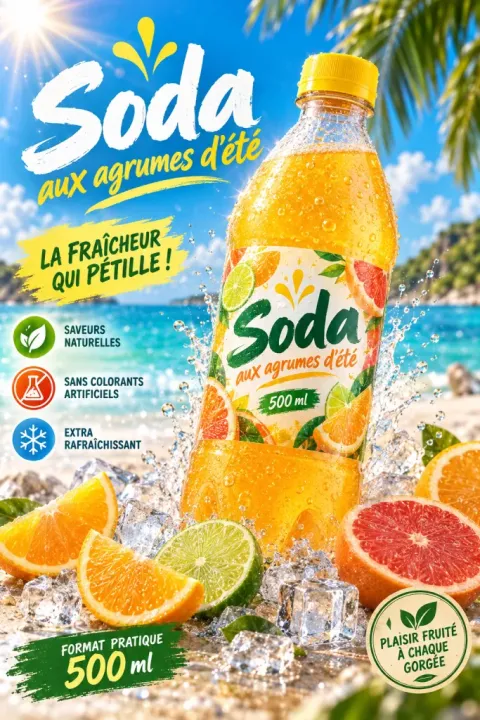
No preview
Photorealistic Product & E-commerce image prompt.
No preview
Photorealistic Product & E-commerce image prompt.
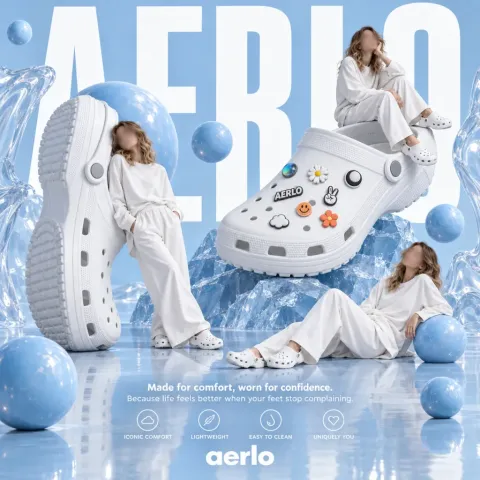
Choosing product photography prompts
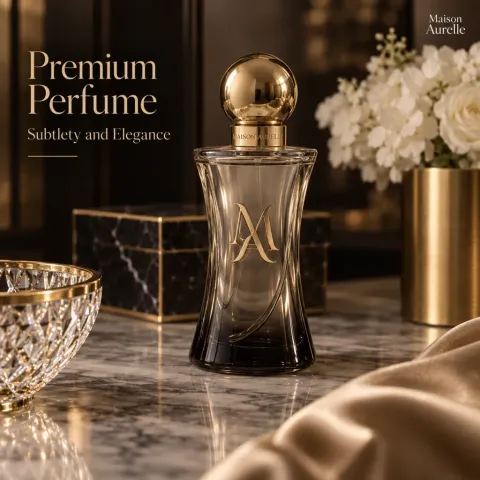
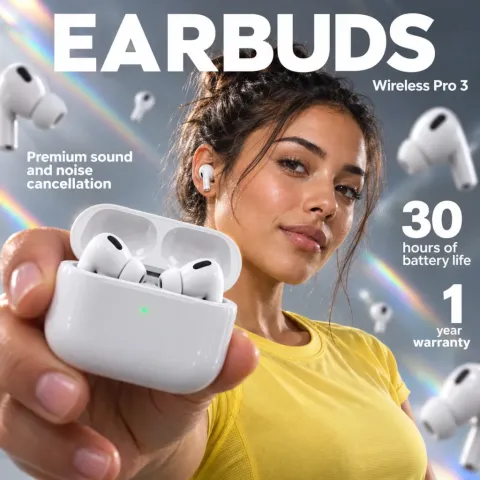
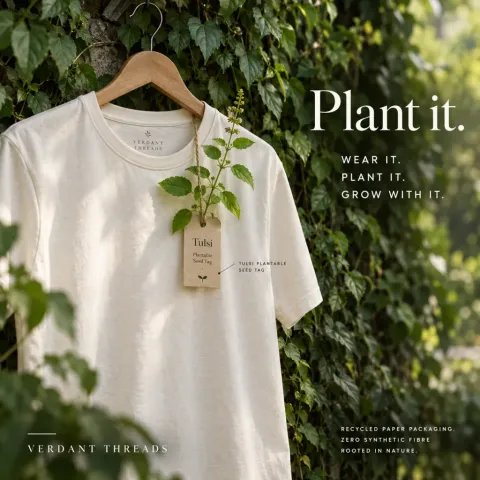
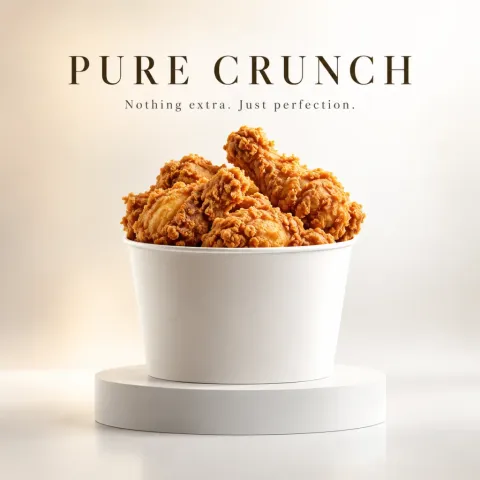
Match your prompt structure to your product type. For cosmetics and bottles, start with a centered hero silhouette and controlled side reflections. For electronics or packaged goods, emphasize material texture and matte plinths rather than cluttered props. If you want to see step-by-step lighting breakdowns and packaging review checks, explore our skincare product photography guide. Always inspect contact shadows and container edges before placing generated images into live shop cards.
Can I use reference images to preserve my real packaging?
With an active Pro or Pro Plus subscription, you can upload up to 4 packaging photos in the generator without spending credits. Reference images help anchor bottle shapes and proportions, but they do not guarantee exact typography or label text reproduction.
What is the difference between browsing prompts and generating images?
Catalog images and summaries are free to view. Free accounts can unlock 10 full prompts. Image generation is a Pro or Pro Plus subscription benefit (including annual Pro), costing 3, 4, or 5 credits per image depending on resolution. Credits expire with each subscription month.
Do I have to unlock a gallery prompt to generate my own product shot?
No. You never need to unlock prompts to create images. You can write your own brief from scratch in the generator, or choose to unlock and adapt existing catalog prompts if you need inspiration.